What Fixer can fix
Light first: every tool below is drawn on the same strip of tones, so you can see which part of the photo it moves. Then masks, looks and the right export size.
Tool
BlacksShadowsMidtonesHighlightsWhites
Plan
Shadow lift
Brings faces and detail out of the dark side of a backlit photo, without turning the sky grey.
Works on shadows
Free
Highlight recovery
Pulls detail back into bright skies, white shirts and window light, as far as the file allows.
Works on highlights and whites
Free
Tone curve
The whole curve: drag any point, or tap a step of the wedge to move only that band of tones.
Works on every tone
Free
Black point and haze
Sets where black begins and cuts the grey veil of a hazy, misty or rainy day.
Works on blacks
Free
Midtone colour
Warms or cools the middle tones, where skin sits, without tinting the shadows or the sky.
Works on midtones
Plus
Clipping warning
Shows in red the parts that are pure black or pure white, so you know what can still be saved.
Works on blacks and whites
Free
Free tools are free for ever. Plus tools come with the Plus and Studio plans.
Edit one part of the photo
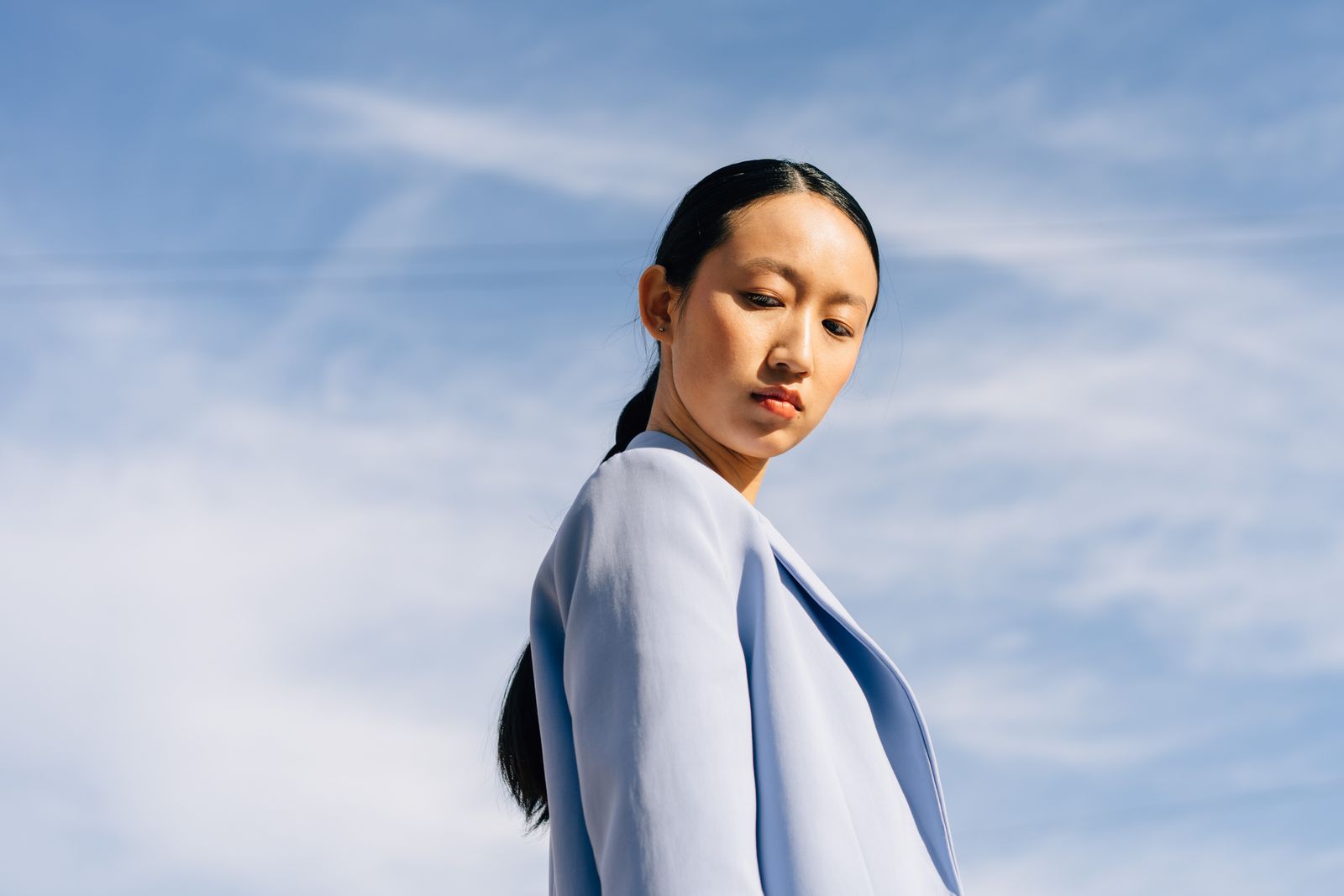
Masks find the person, the sky or the background for you. Every tool and look then works inside the mask only (Plus).
Subject
The person or animal in front: face, hair and clothes, with the edges kept fine.
about 1 s
Sky
Every part of the sky, including the gaps between leaves and buildings.
about 1 s
Background
Everything behind the subject, to darken it or soften it a little.
about 1 s
Brush
Paint it yourself with a soft or hard brush, then erase what you do not want.
by hand
Times on a recent phone (sample). Masks are worked out on the device, not on a server.
Looks
Ten looks, each drawn as its curve. Start from one and keep adjusting; a look never locks the photo.
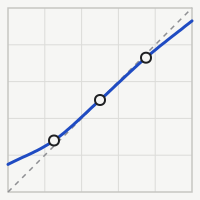
Matte
Lifts the blacks to a soft charcoal and lowers the whites a touch. Calm, printed-paper feel.
In Free
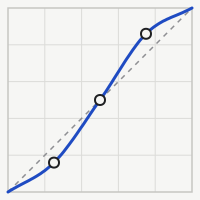
Punch
A steep S: darker shadows, brighter highlights. For flat light and grey days.
In Free
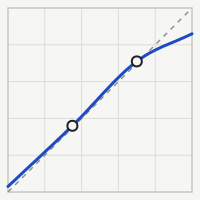
Soft
Rolls the highlights off gently so skin and white walls never look hard.
In Free
Export the right size
Pick where the photo is going and Fixer crops and sizes it. The crop is a suggestion you can move.
Feed post
4:5, 1080 x 1350 pixels
Story or reel cover
9:16, 1080 x 1920 pixels
Square
1:1, 1080 x 1080 pixels
Print, 6 x 4 in
3:2, 1800 x 1200 pixels at 300 dpi
Full size
The size of the original file (Plus and Studio)
Edit tonight's photos on your phone
Fixer (sample) is free on iPhone, iPad and Android, with the tone curve, shadow lift and four looks included. Plus and Studio add the rest.