Fix the light after the shot
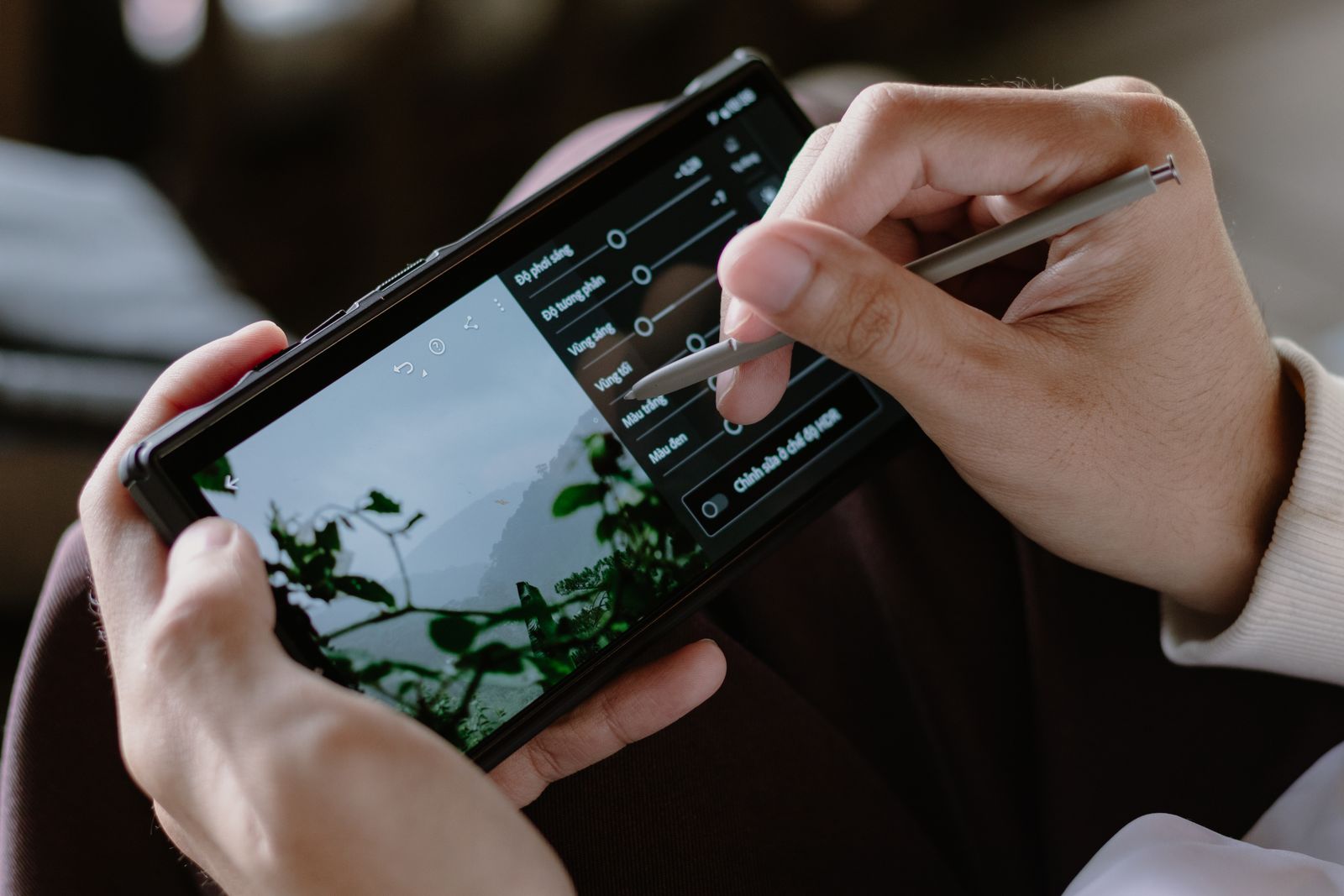
Fixer (sample) is a photo editor for your phone, tablet and computer. It shows exactly what each edit does to the light, so a backlit face, a white sky or a grey day can still become the photo you meant to take.
Free to download. Plus from $4.99 a month (example prices).

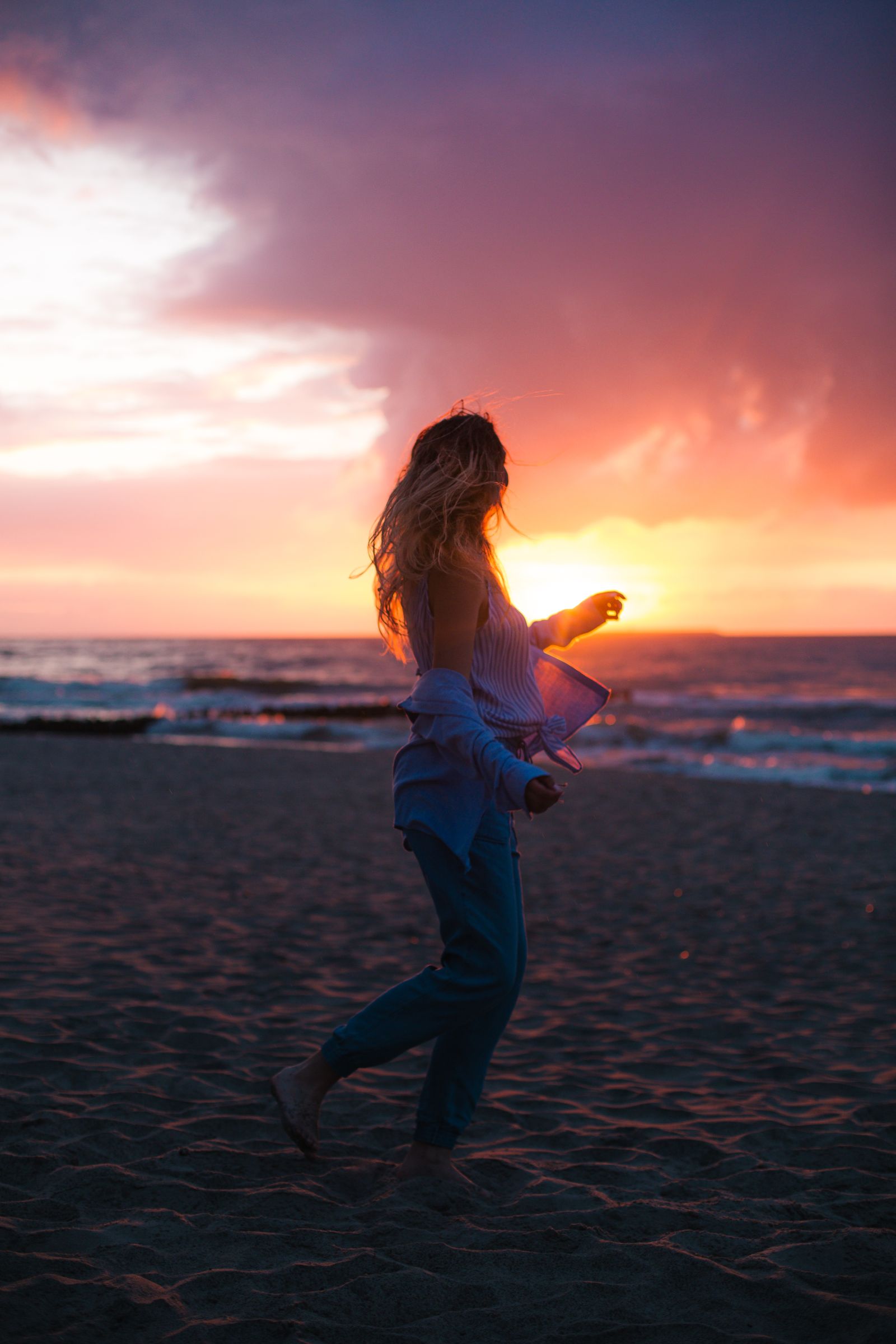
As shot
The camera file: no true black, no true white, everything bunched in the middle of the histogram.
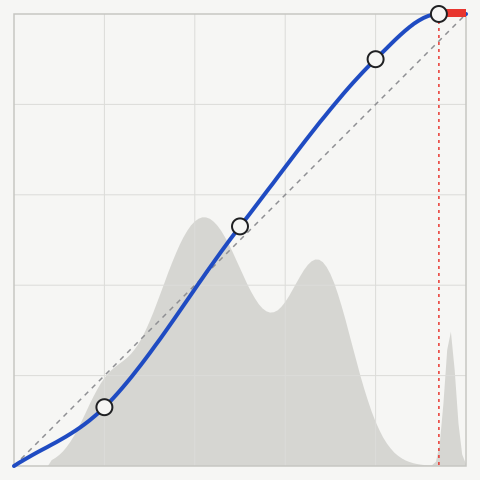
BlacksShadowsMidtonesHighlightsWhites
The edit
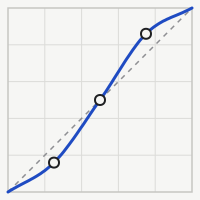
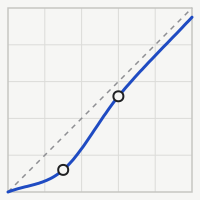
Shadows
20 in, 13 out
Midtones
50 in, 53 out
Highlights
80 in, 90 out
White point: the sun clips
94 in, 100 out

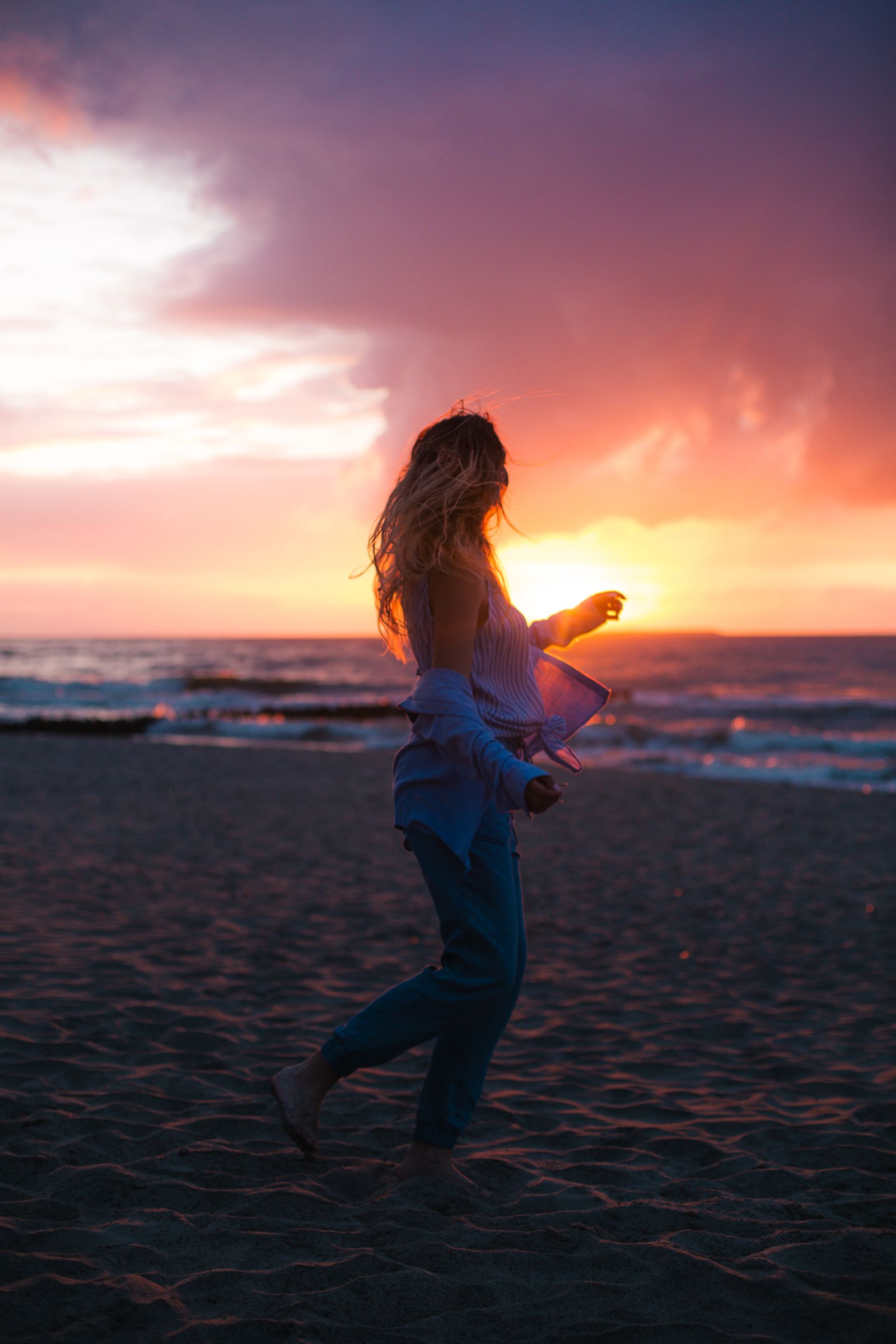
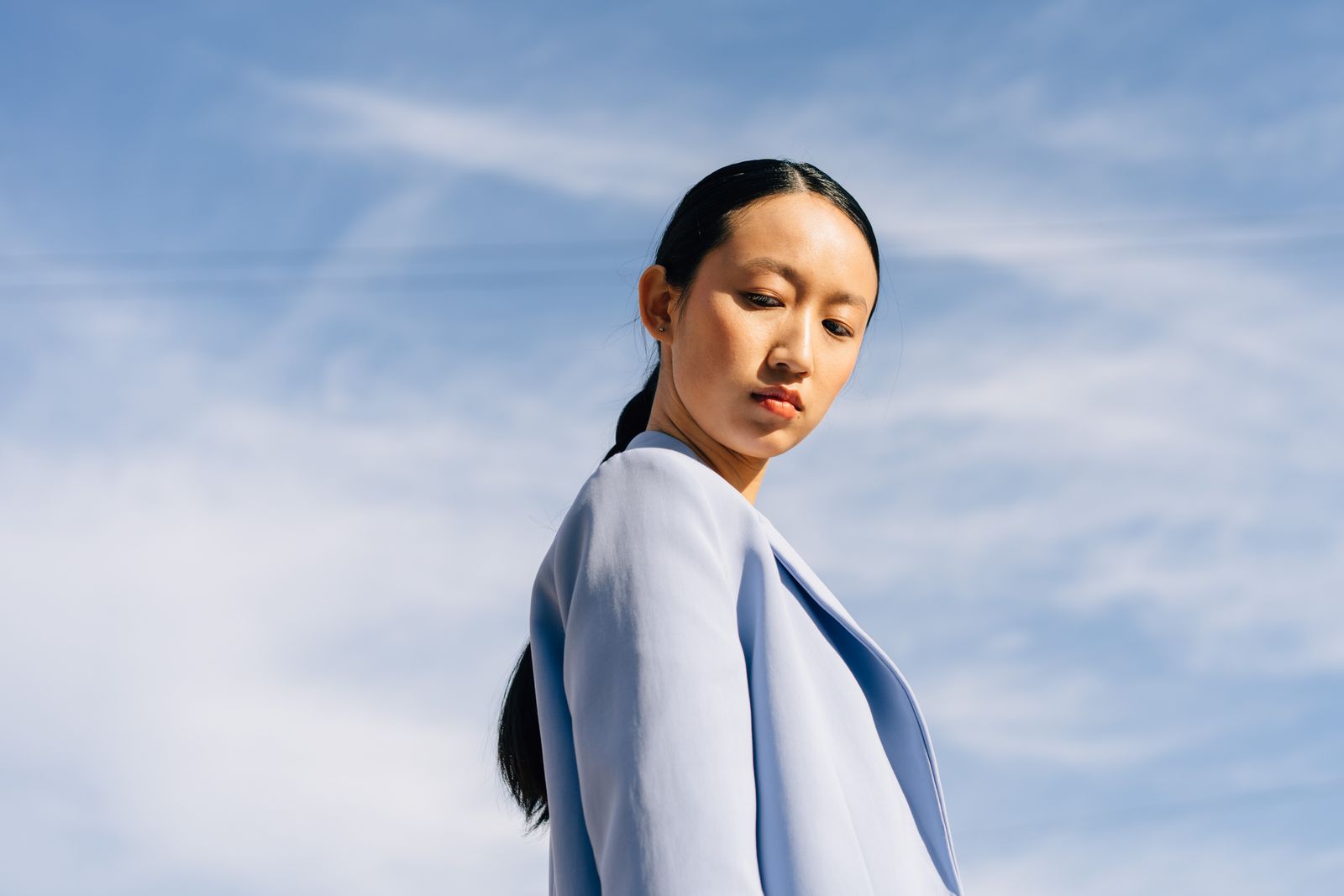
After one curve
Same file, one curve and a little warmth, 40 seconds on a phone (sample).
What each tool changes
Every tool is drawn on the same strip of tones, from black on the left to white on the right. The blue bar shows the tones it moves; the rest of the photo stays as it was.
Tool
BlacksShadowsMidtonesHighlightsWhites
Plan
Shadow lift
Brings faces and detail out of the dark side of a backlit photo, without turning the sky grey.
Works on shadows
Free
Highlight recovery
Pulls detail back into bright skies, white shirts and window light, as far as the file allows.
Works on highlights and whites
Free
Tone curve
The whole curve: drag any point, or tap a step of the wedge to move only that band of tones.
Works on every tone
Free
Black point and haze
Sets where black begins and cuts the grey veil of a hazy, misty or rainy day.
Works on blacks
Free
Midtone colour
Warms or cools the middle tones, where skin sits, without tinting the shadows or the sky.
Works on midtones
Plus
Clipping warning
Shows in red the parts that are pure black or pure white, so you know what can still be saved.
Works on blacks and whites
Free
Free tools are free for ever. Plus tools come with the Plus and Studio plans.
Looks you can read
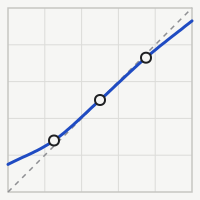
A look is a saved curve plus a little colour. Each one is drawn here as its curve, so you can see what it will do before you tap it.
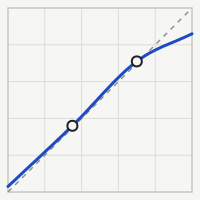
Matte
Lifts the blacks to a soft charcoal and lowers the whites a touch. Calm, printed-paper feel.
In Free
Punch
A steep S: darker shadows, brighter highlights. For flat light and grey days.
In Free
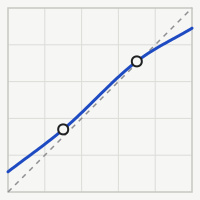
Soft
Rolls the highlights off gently so skin and white walls never look hard.
In Free
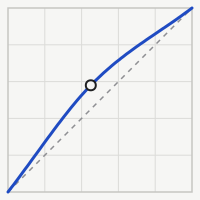
Bright
Raises the midtones and leaves black and white where they are. Rooms, food, overcast faces.
In Free
Faded
Lifted blacks, lowered whites and a slightly lower middle: the look of an old print.
In Plus
Ink
Pushes the shadows down hard and keeps the lights bright. Night streets and silhouettes.
In Plus
The dashed line is the photo unchanged; above it is brighter, below it darker.

Edit one part of the photo
Masks find the person, the sky or the background for you. Every tool and look then works inside the mask only (Plus).
Subject
The person or animal in front: face, hair and clothes, with the edges kept fine.
about 1 s
Sky
Every part of the sky, including the gaps between leaves and buildings.
about 1 s
Background
Everything behind the subject, to darken it or soften it a little.
about 1 s
Brush
Paint it yourself with a soft or hard brush, then erase what you do not want.
by hand
Times on a recent phone (sample). Masks are worked out on the device, not on a server.
From camera roll to post in four steps
1
Open the photo
From the camera roll, the files app or a card reader. RAW, HEIC and JPEG files open the same way.
2
Pick a look
Tap through the looks on the photo itself; each one is a curve you can still change.
3
Adjust the light
Lift the shadows, save the sky, drag the curve. Masks keep each change to its part of the photo.
4
Export the right size
Feed post, story, print or full size. The original file is never changed.

Plans and prices
Start free. Pay only when you want masks, RAW files or the desktop app, and stop when you like.
Free
Phones and tablets. Everything you need to fix the light in an everyday photo.
Tone curve, shadow lift, highlight recovery, black point, clipping warning, four looks, export up to 12 MP
$0
for ever, no account needed
Plus
For people who edit most days. Adds the parts that save the hard photos.
Masks for subject, sky and background, RAW files, all looks, full-size export, edits synced between your devices
$4.99
a month, or $39.99 a year
Studio
For photographers who edit sets of photos on a computer as well.
Everything in Plus, the desktop app for Mac and Windows, batch edits of up to 500 photos, your own looks shared with up to 5 people
$9.99
a month, or $89.99 a year
Example prices, before tax. Plus and Studio start with 14 days free.
Your photos stay yours
Fixer edits on your phone, tablet or computer. Photos are never uploaded to be edited, and the original file is never changed.
Where edits happen
On the device. Masks and looks are worked out there too, also without a signal.
The original
Kept as it is. Each edit is a small recipe saved next to the photo; undo any step at any time.
Files it opens
RAW from most cameras made since 2014 (sample list on the Support page), HEIC, JPEG, PNG and TIFF
Files it saves
JPEG, HEIC, PNG and 16-bit TIFF, with or without location data
Sync (Plus)
Only the edit recipes and small previews travel between your devices, encrypted (sample).
Questions before you download
Do I need an account?
Not for the Free plan. You only make an account to try Plus or Studio, or to sync edits between your devices.
Will it change my original photos?
No. Fixer saves the edit as a small recipe next to the photo and exports a new file. You can undo any step, even months later.
Does it open RAW files from my camera?
Plus and Studio open RAW files from most cameras made since 2014 (sample). The full list is on the Support page.
Does it work without a signal?
Yes. Every tool, look and mask works on the device. Only sync and the account need a connection.
Can I cancel Plus at any time?
Yes, in your phone’s subscription settings. You keep Plus until the end of the month or year you paid for, and your edits stay.
Editing tutorials
-
Three points on the curve for a grey day
- Details
- October 11, 2026
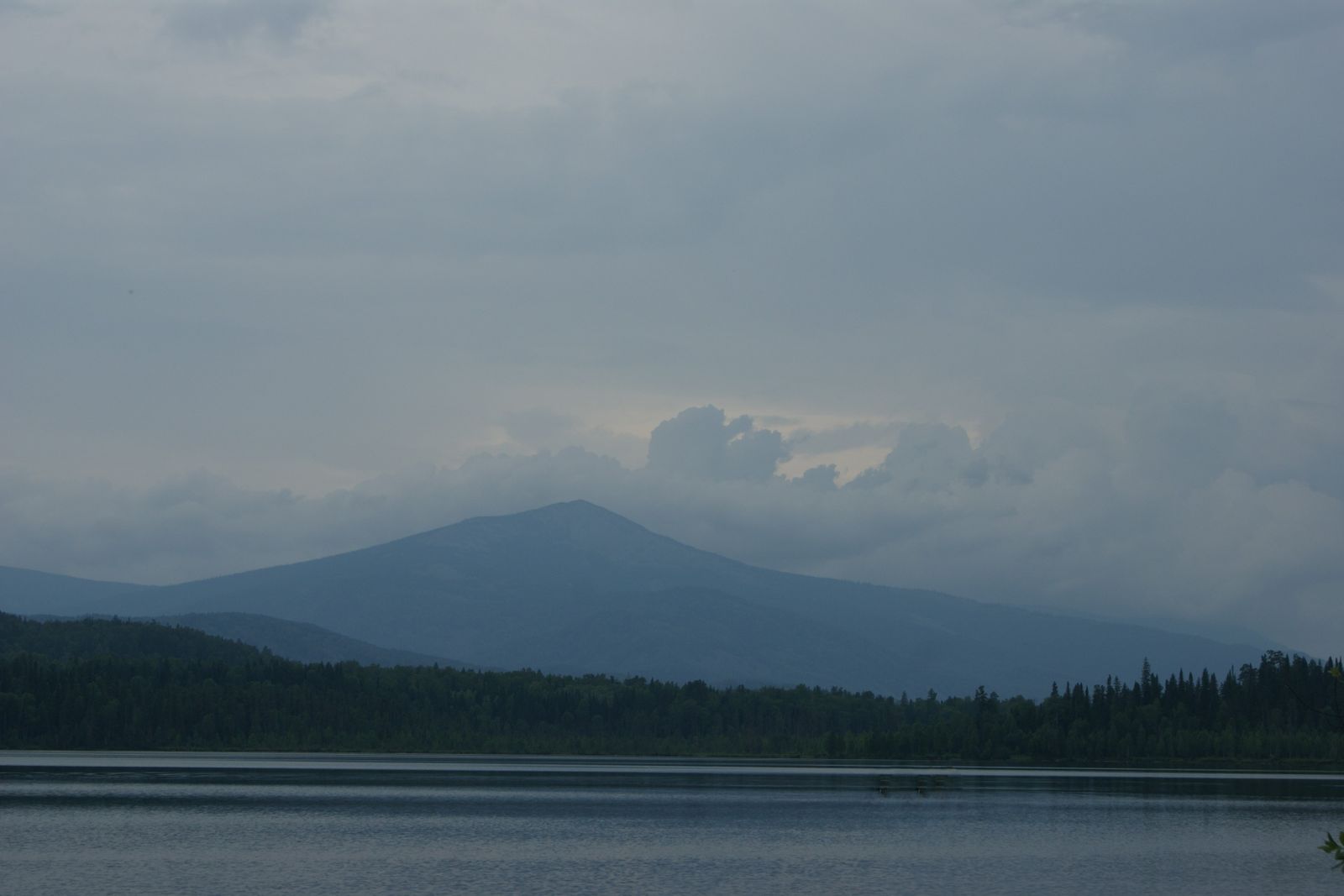
A flat sky and a flat lake: why the photo looks grey, and the three-point curve that fixes it (sample tutorial).
-
Lifting faces in a backlit photo
- Details
- October 6, 2026
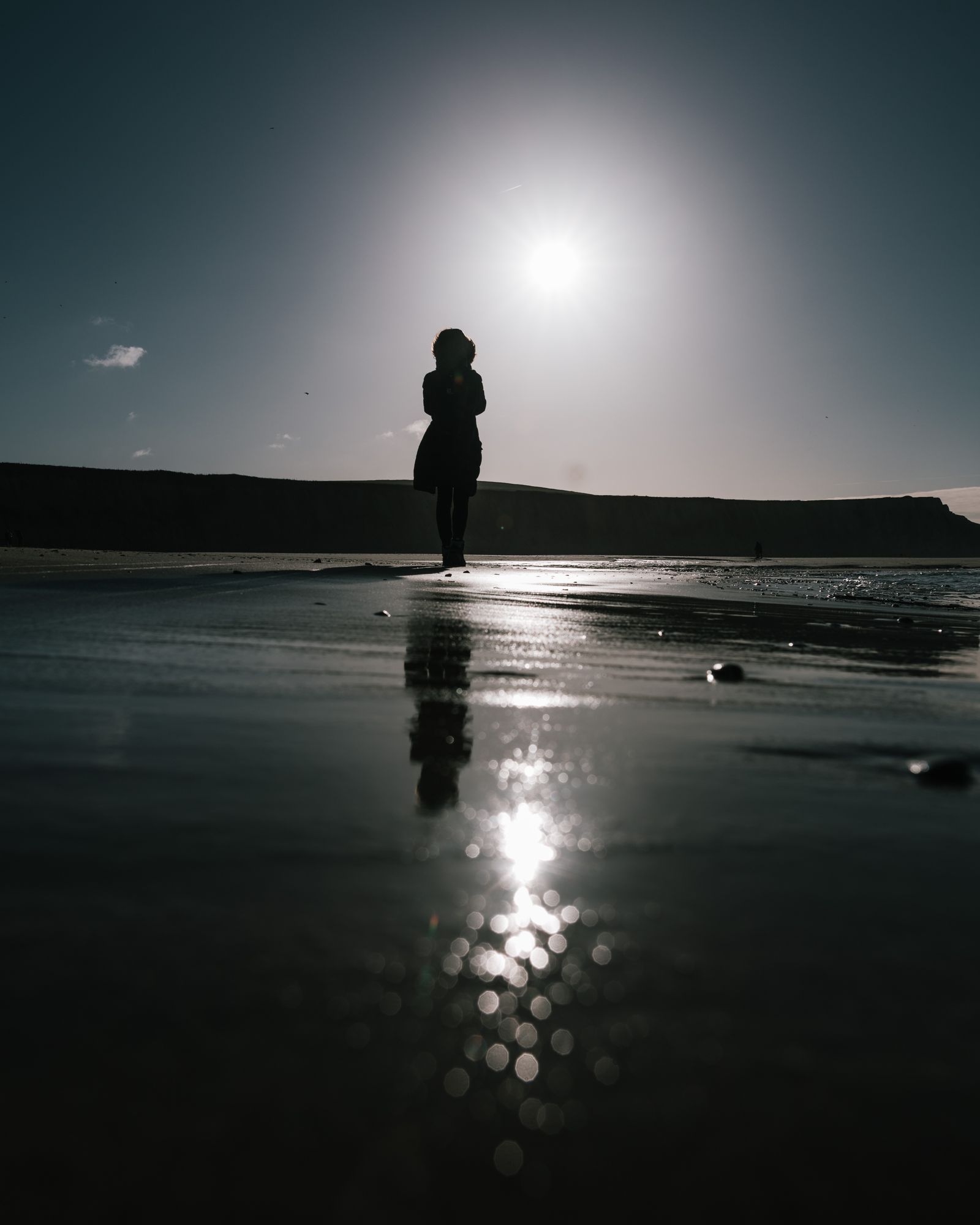
The sun behind your friends makes a beautiful sky and two dark faces. Here is the order that saves both (sample tutorial).
-
Saving a white sky with the sky mask
- Details
- October 1, 2026
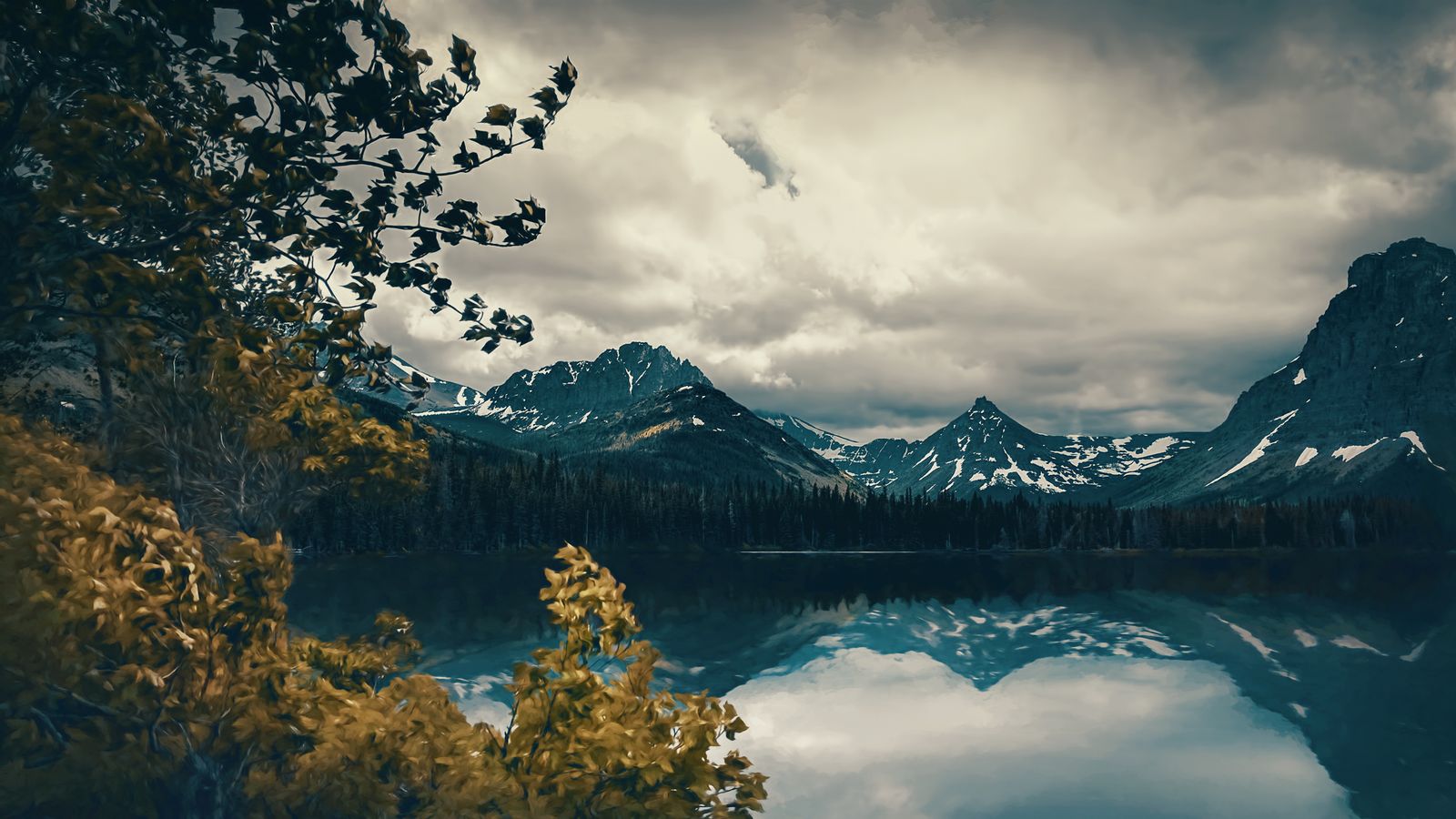
When the sky is brighter than the land, one edit cannot fix both. A sky mask can (sample tutorial).
Edit tonight's photos on your phone
Fixer (sample) is free on iPhone, iPad and Android, with the tone curve, shadow lift and four looks included. Plus and Studio add the rest.